Brother embroidery machine
Embroidery designs for the Brother Stellaire Innov-is XE2
The Stellaire Innov-is XE2 reads .pes files. Its embroidery field goes up to 360 × 240 mm: here are designs ready to stitch, and how to size your own.
The Stellaire Innov-is XE2 at a glance
- File format
- .pes
- Maximum embroidery field
- 360 × 240 mm
- To send it a design
- USB stick (USB port) · Wi-Fi (WLAN)
- Built-in designs
- 889
Specifications taken from Brother's website.
With a 360 × 240 mm field, the Stellaire Innov-is XE2 also stitches large designs: a jacket back, a cushion, a repeated border. In the studio, sizes are set to the millimetre.
Free designs for your Stellaire Innov-is XE2
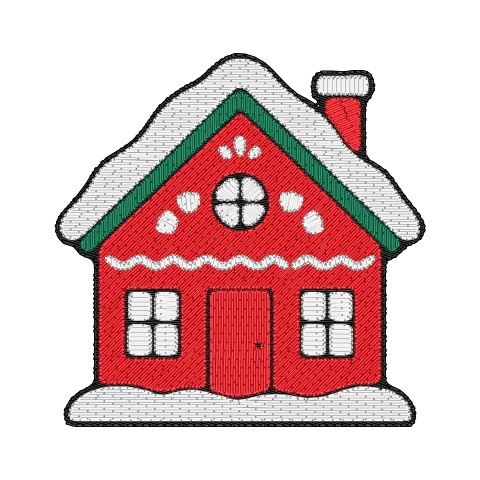
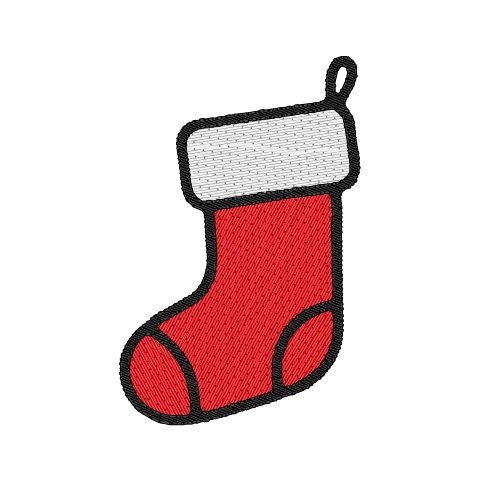
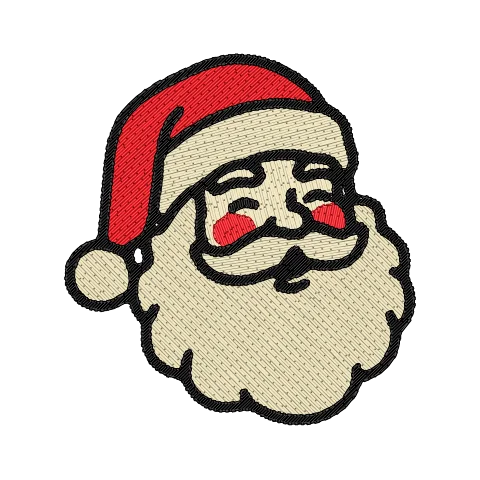
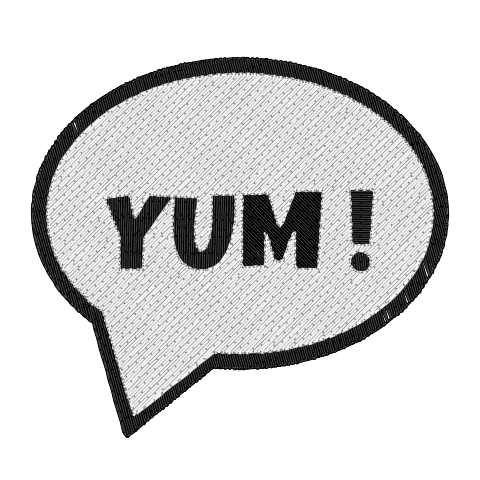
These designs are under 10 cm, so they fit every hoop of the Stellaire Innov-is XE2. Download the .pes file and you're ready.
 Free
 Free
 Free
 Free
 Free
 Free
 Free
 Free
 Free
 Free
 Free
 Free
Sizing a design for your hoop
- Open the studio: the Stellaire Innov-is XE2's 360 × 240 mm hoop is already selected.
- Place a design from the library, type a name or upload an image. The studio warns you if the design goes past the hoop.
- Click Download and choose Brother: you get a .pes file.
Getting the design onto the Stellaire Innov-is XE2
Copy the .pes file onto a USB stick, plug it into the machine's USB port, then pick the design on the screen.
The Stellaire Innov-is XE2 also connects over Wi-Fi: Brother offers its wireless transfer tools, such as the free Artspira app or the Design Database Transfer software (Windows), where you import the .pes file from the studio. A USB stick is still the simplest and always works.
Step by step: USB stick, cable or Wi-Fi
Other Brother models
Innov-is M340e · Innov-is F440E · Innov-is F540E · Innov-is NV880E · Expedition Innov-is BX1e · Celeste Innov-is CX1e